Example Manual
Precondition
Install Heltec ESP32 development framework. If you don’t have it installed, please referESP32 series QuickStart.
The Heltec ESP32 development Framework already contains the basic code.
Install Heltec ESP32 library. If you don’t have it installed, please referESP32 series QuickStart.
The library contains the lora code, factory test code, and some corresponding extensions.
Factory test demo
Open
Arduino IDE, clicktool, selectBoard,portparameters, etc. As shown below
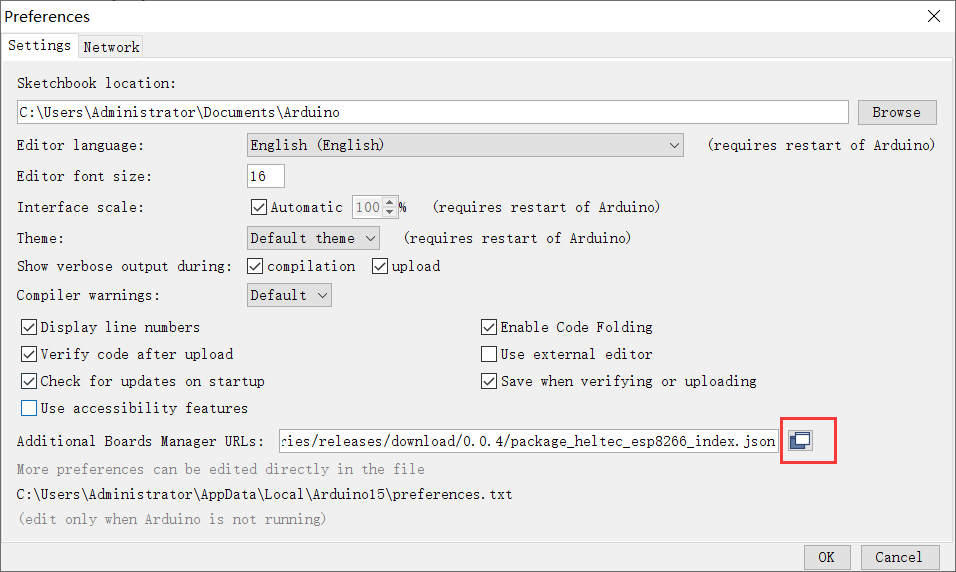
Follow the path below to find the program and upload it.

Once the firmware has been successfully flashed, the hardware status will appear as illustrated in the figure.

To perform debugging via serial output, the USB CDC On Boot option needs to be
Enabledin thetool.
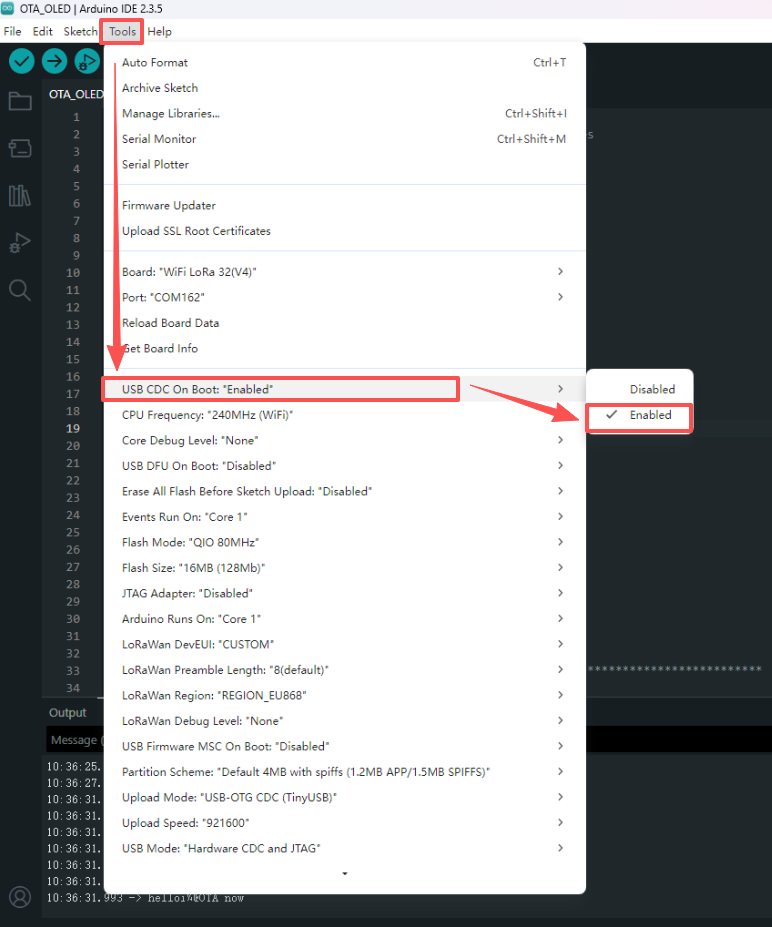
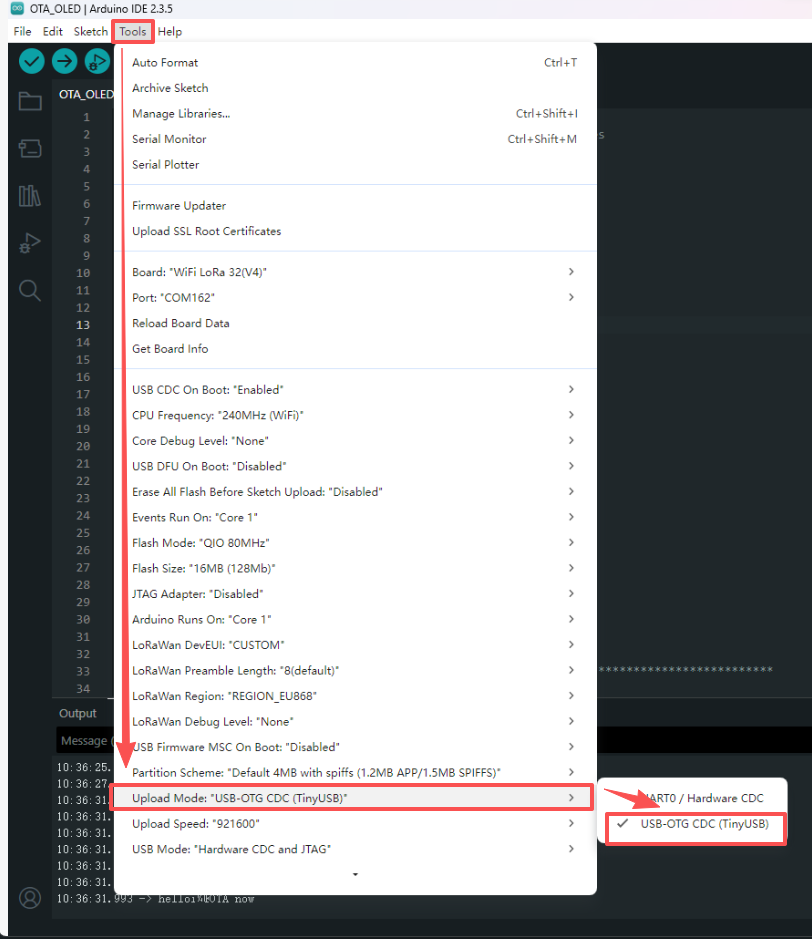
And then set the upload mode to
USB-OTG-CDC (TinyUSB).
This is a test program, can test that your board is functioning correctly.